
Wireless Buttons
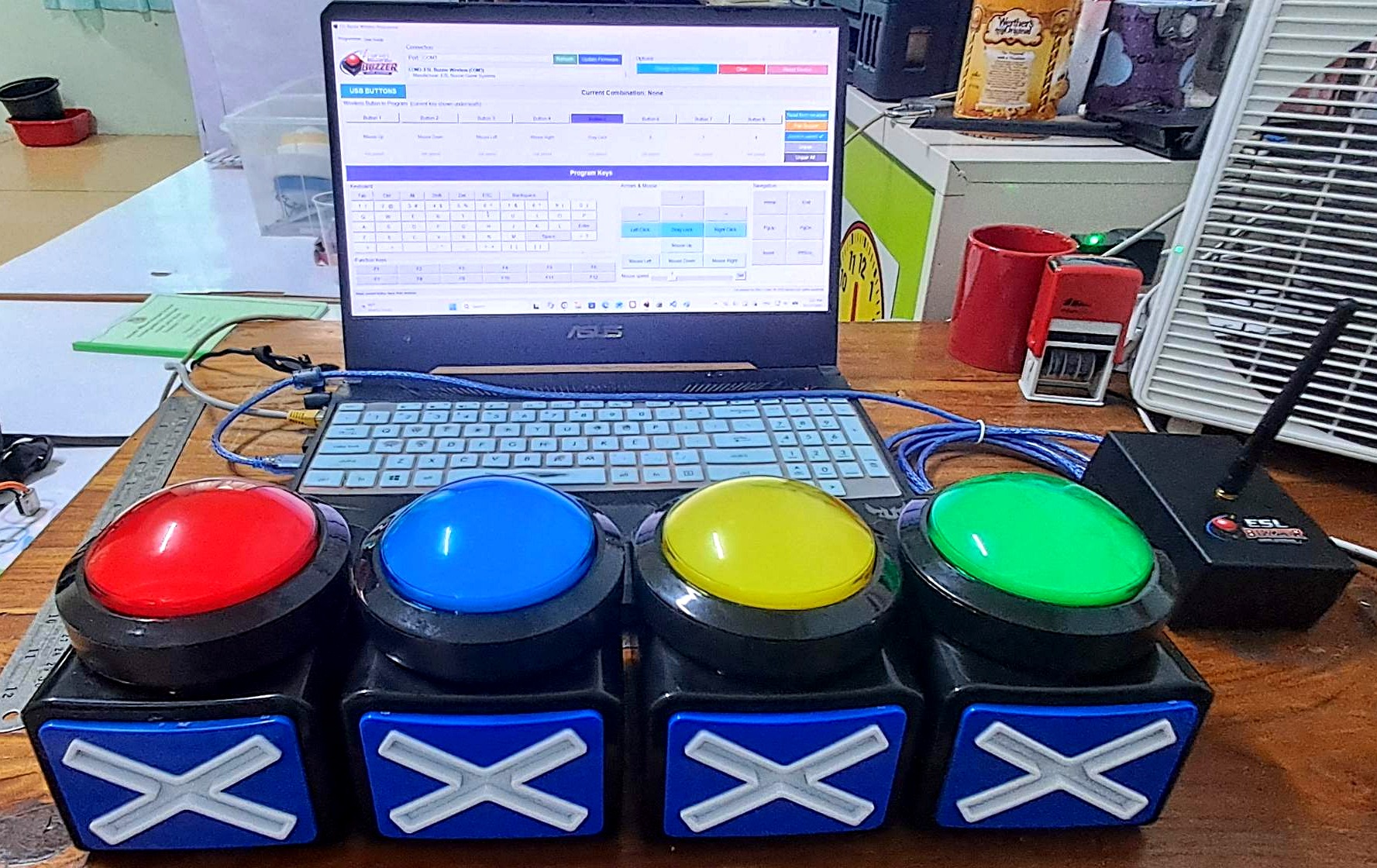
Our programmable USB button is now wireless – no more cables across the room. Each button talks directly to a small USB receiver plugged into your computer. Press it and your computer types the key you chose. Works on both Windows and Mac, with no drivers.
Perfect for quiz games, PowerPoint, classroom games and live events. Place the buttons anywhere – tested 100% reliable at 100 m.
🏆 Why Choose Wireless?
No Cables
Place the buttons anywhere in the room – nothing to trip over or run across the desk.
100 m Range
Rated 90 m to be safe, and tested 100% reliable at 100 m (328 ft).
Years on 2 AAs
Automatic sleep mode – no switch needed. Estimated a year or more of everyday use.
Works Straight Away
Button and receiver come already paired. Plug in, add batteries, press.
💲 Price
Wireless Button
USD
USB Receiver
USD
⭐ Starter Set
1 Wireless Button + 1 USB Receiver · USD
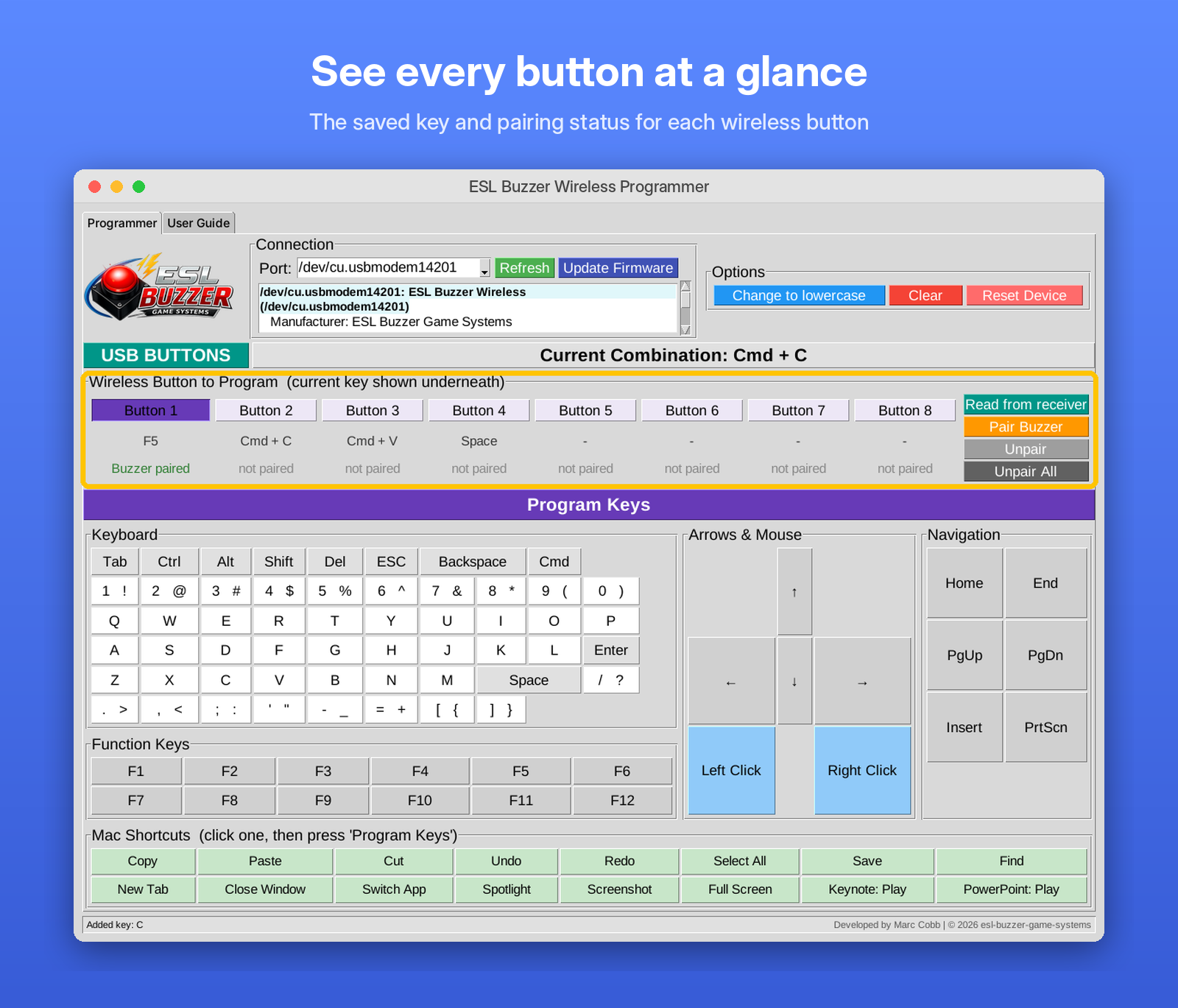
One receiver handles up to 8 wireless buttons, each with its own key. Add more buttons any time.
🔘 The Wireless Button & Receiver
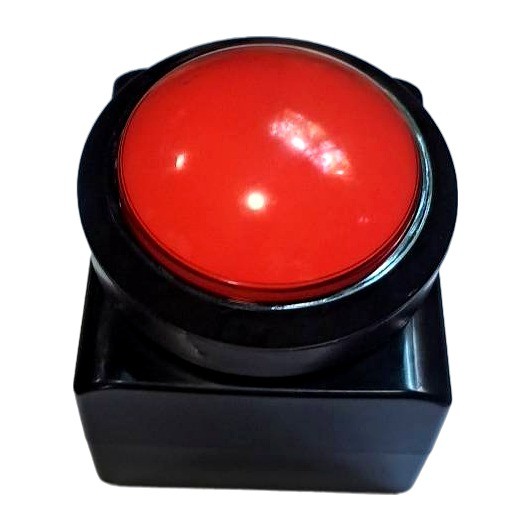
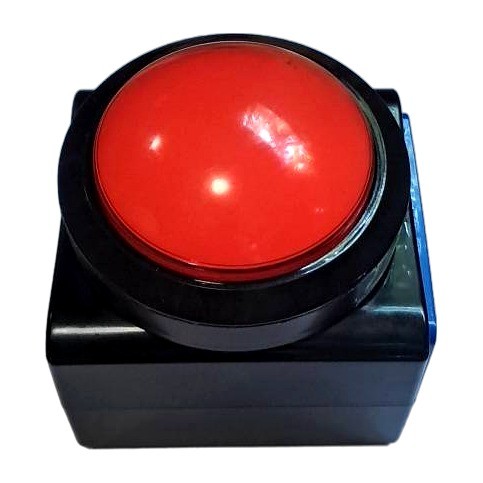
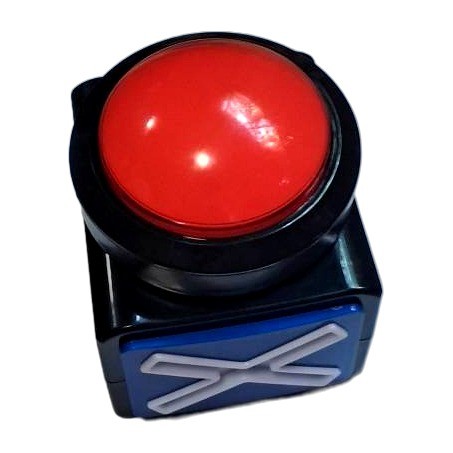
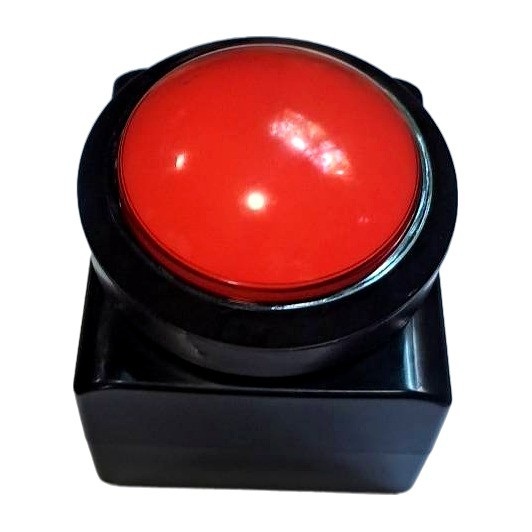
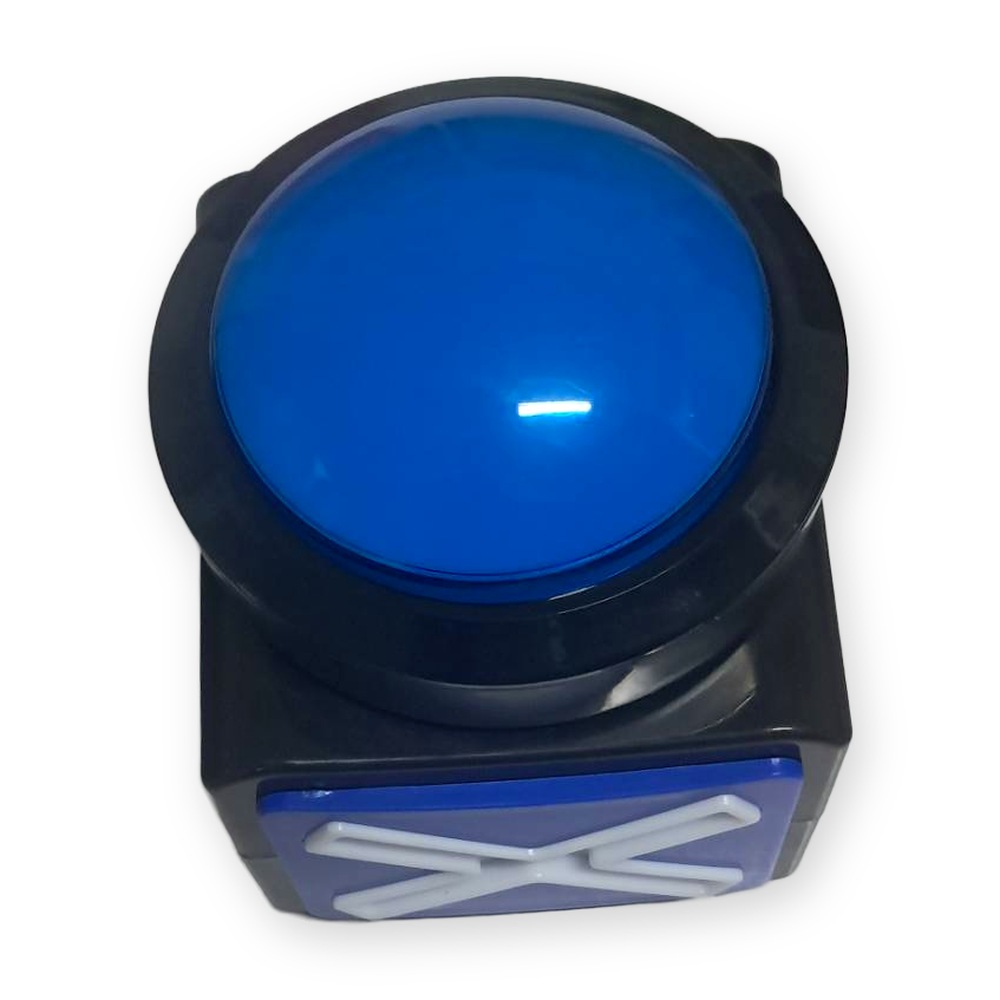
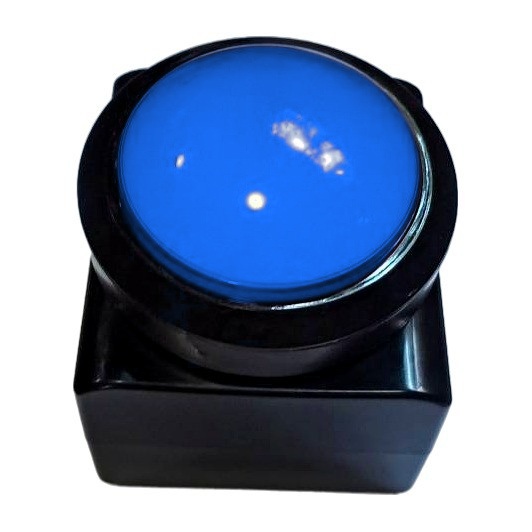
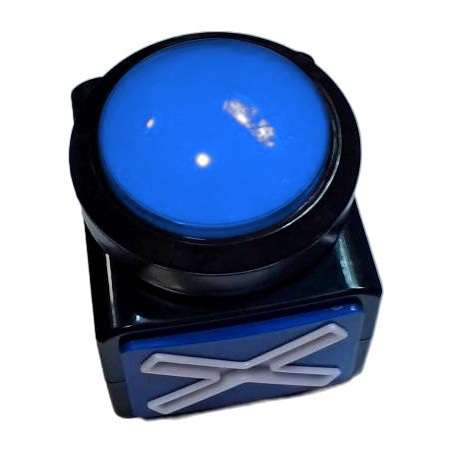
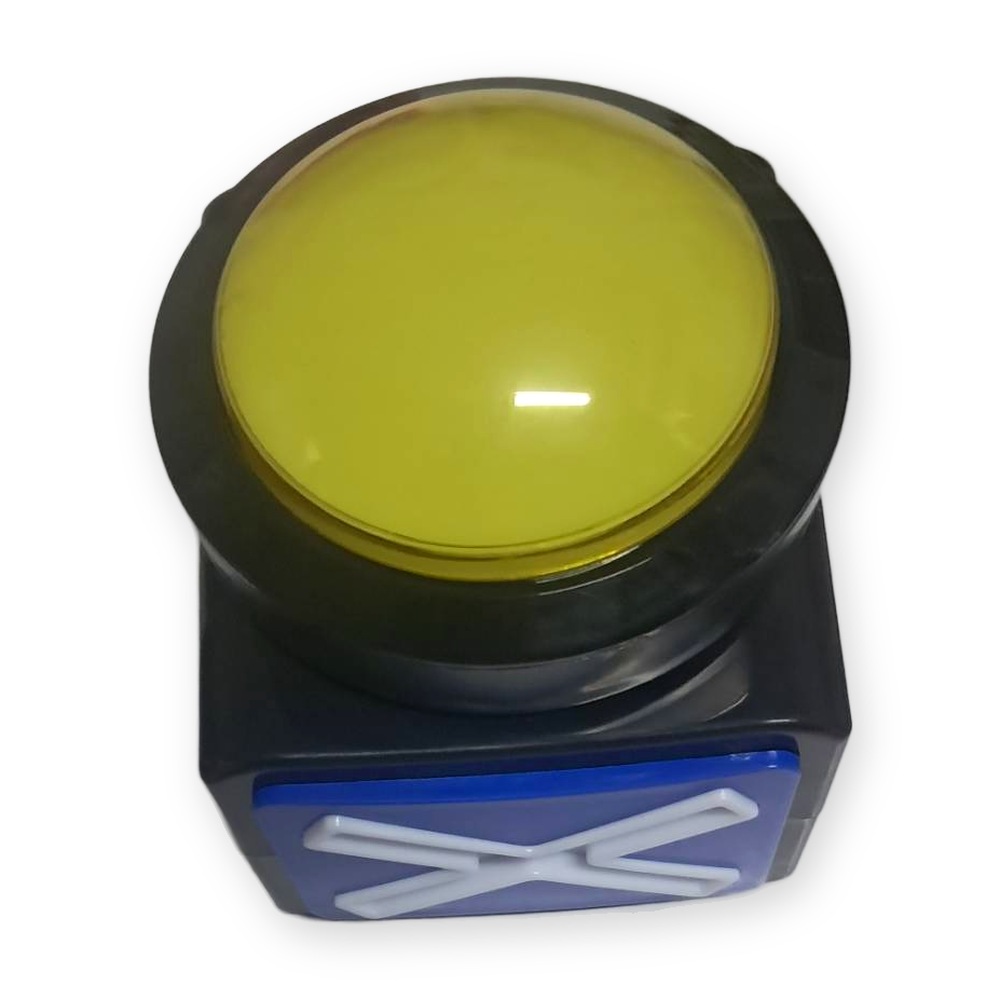
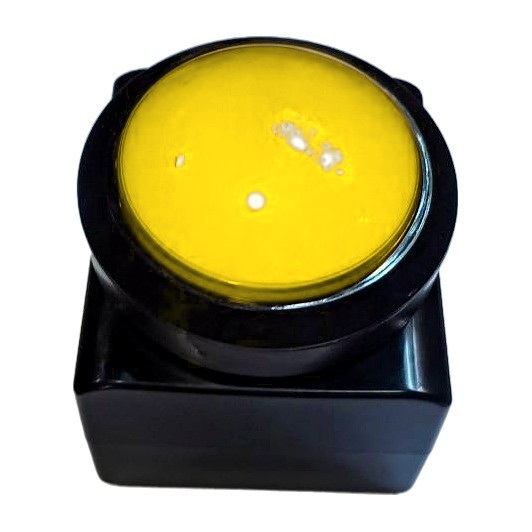
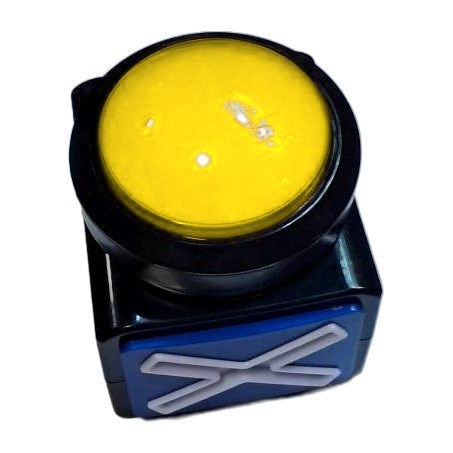
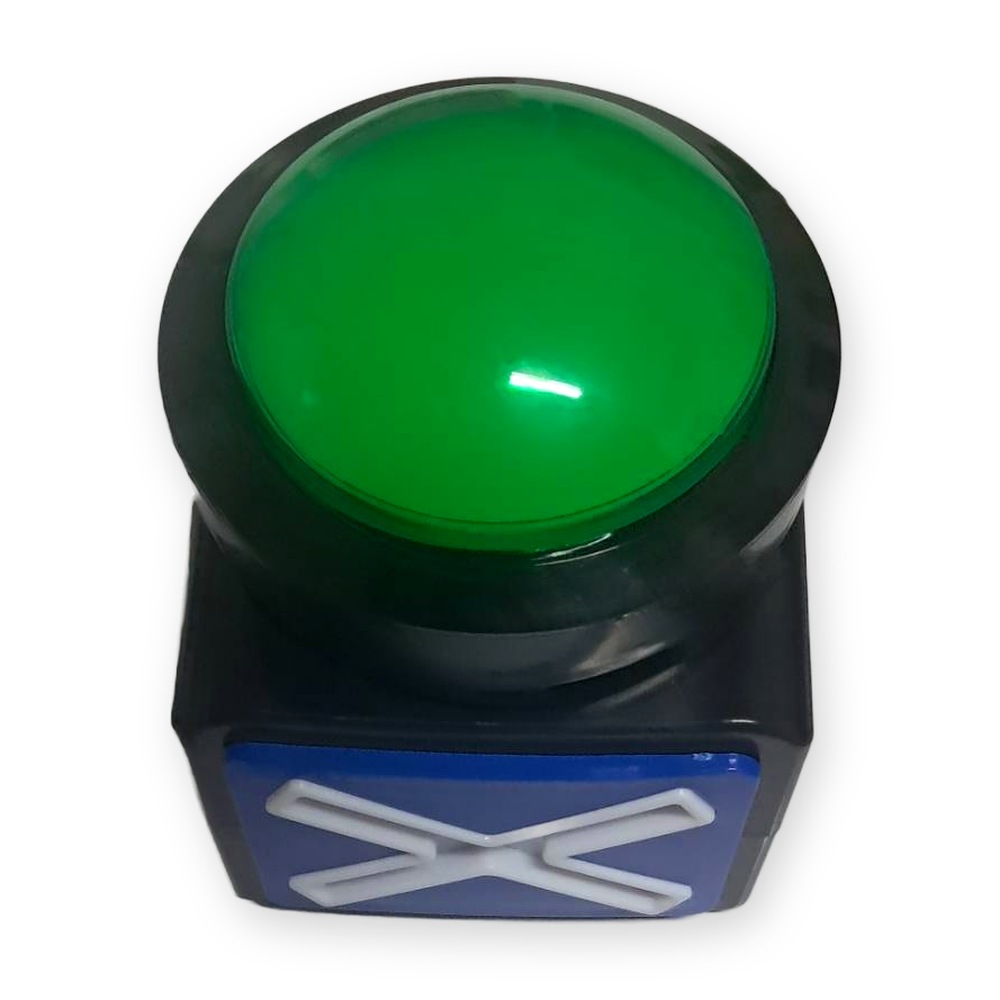
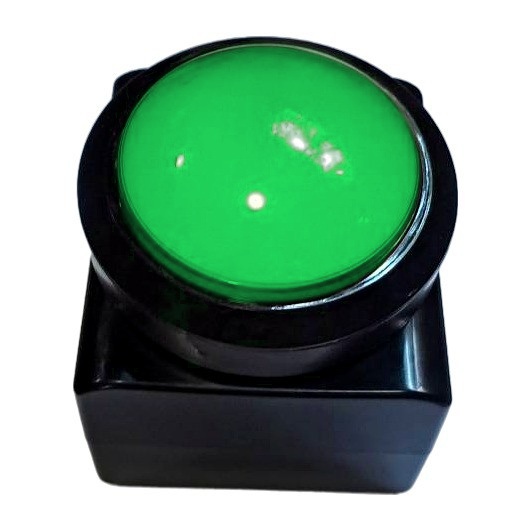
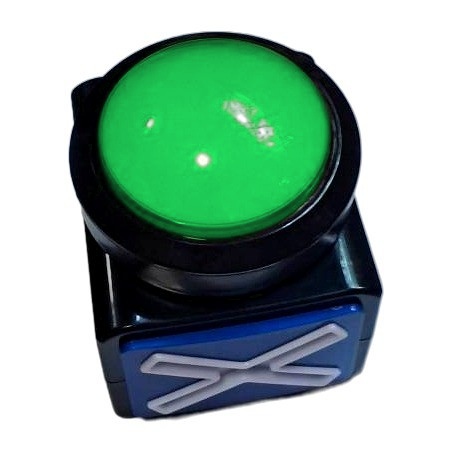
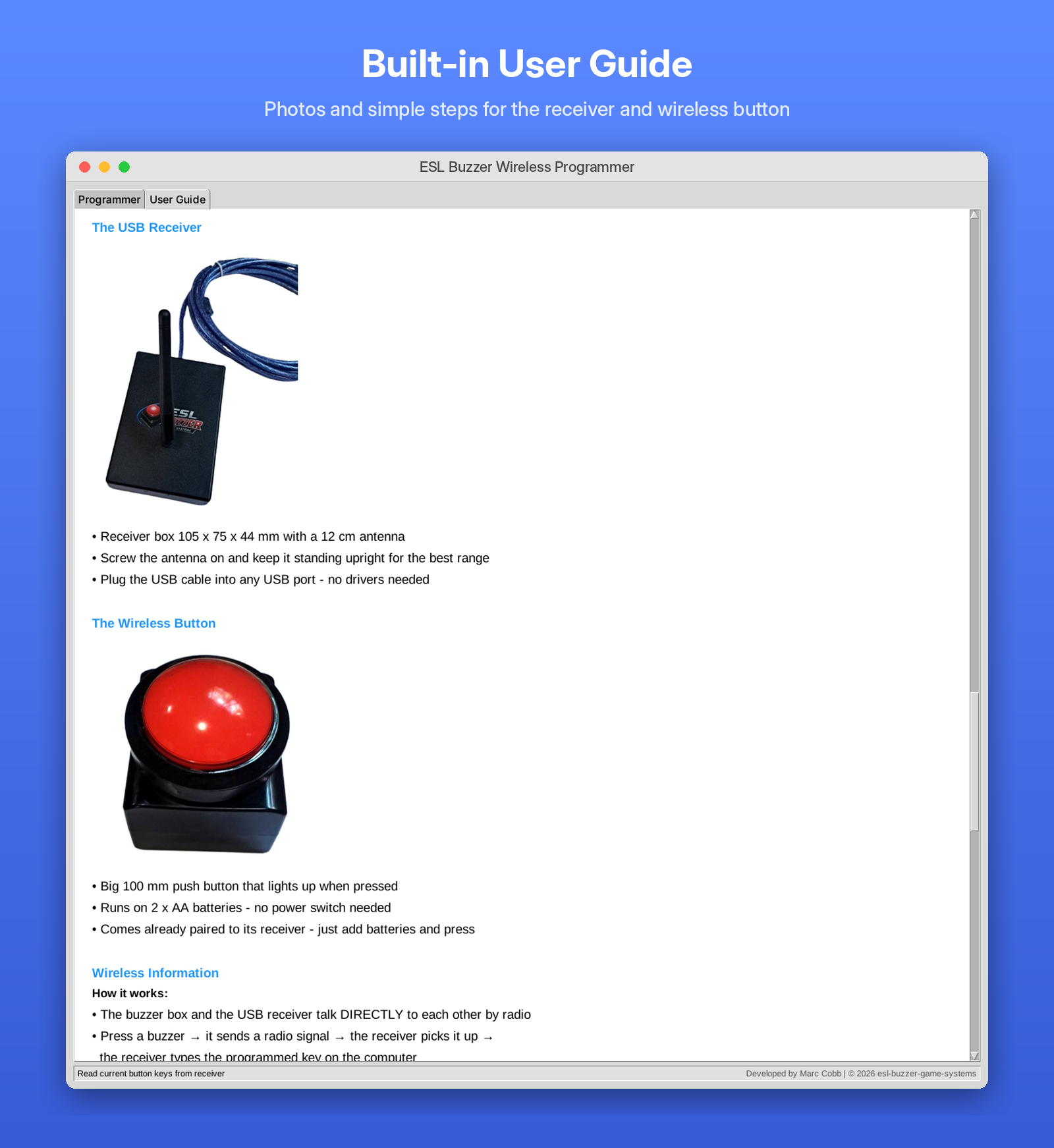
A 100 mm arcade button that lights up when pressed, with its own antenna fitted inside the case, and a small USB receiver with a 12 cm external antenna. Choose your button colour when you order.
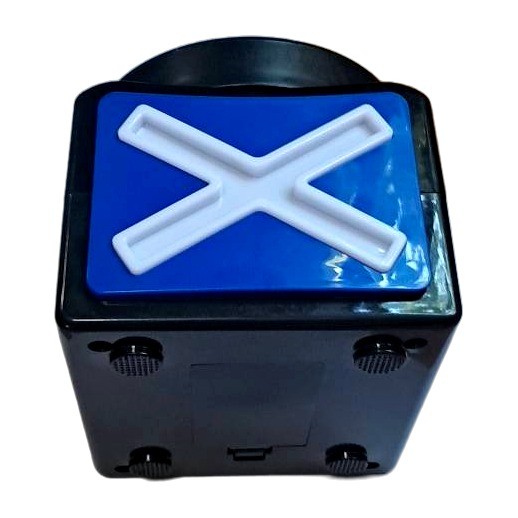
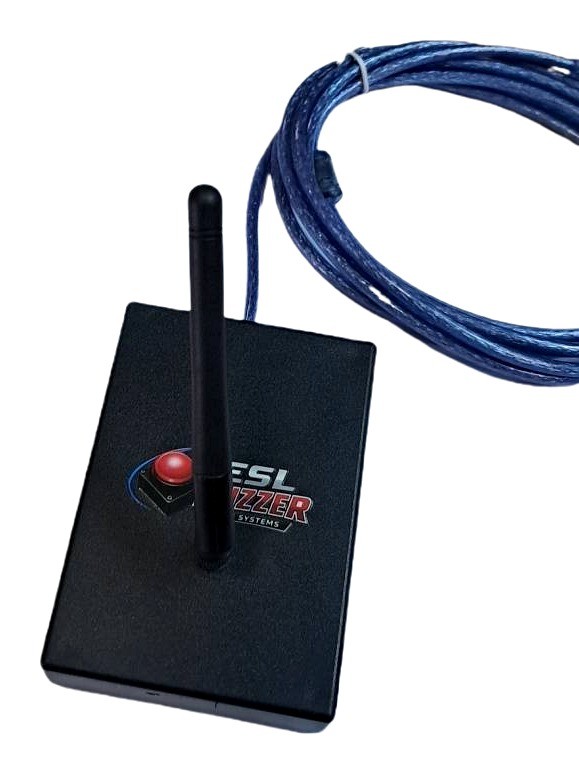
📦 What's Included:
- 1 wireless button – your choice of colour
- 1 USB receiver with 12 cm antenna
- Free ESL Buzzer Wireless Programmer app (Windows & Mac)
- 2 x AA batteries needed – not included
- Already paired – works straight out of the box
- Plug and play – no drivers needed
- Compatible with Windows & Mac
- Each module programmed separately and checked
🎨 Choose Your Colour:
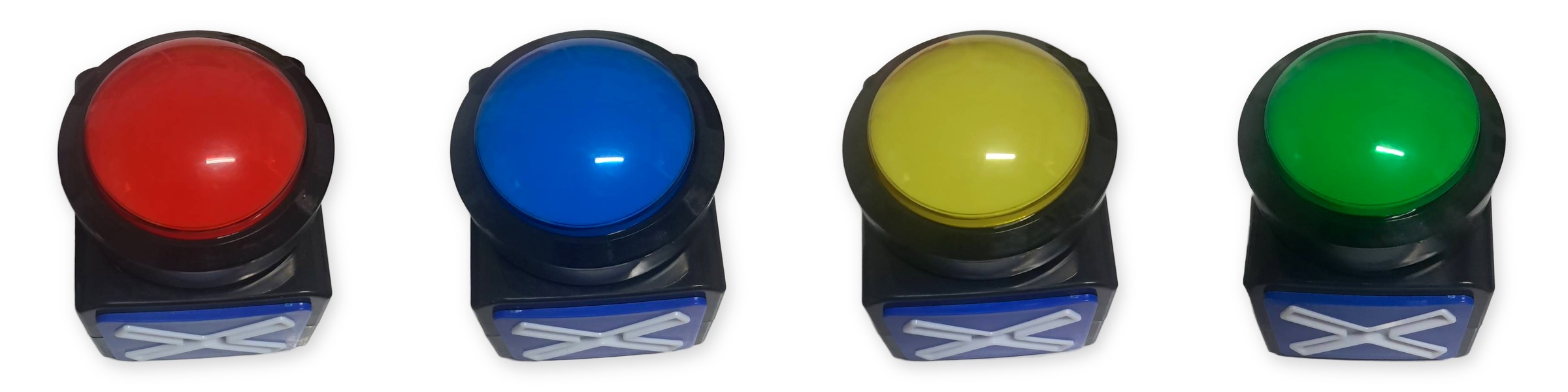
Red · Blue · Yellow · Green – tell us your colour when you order.
Red
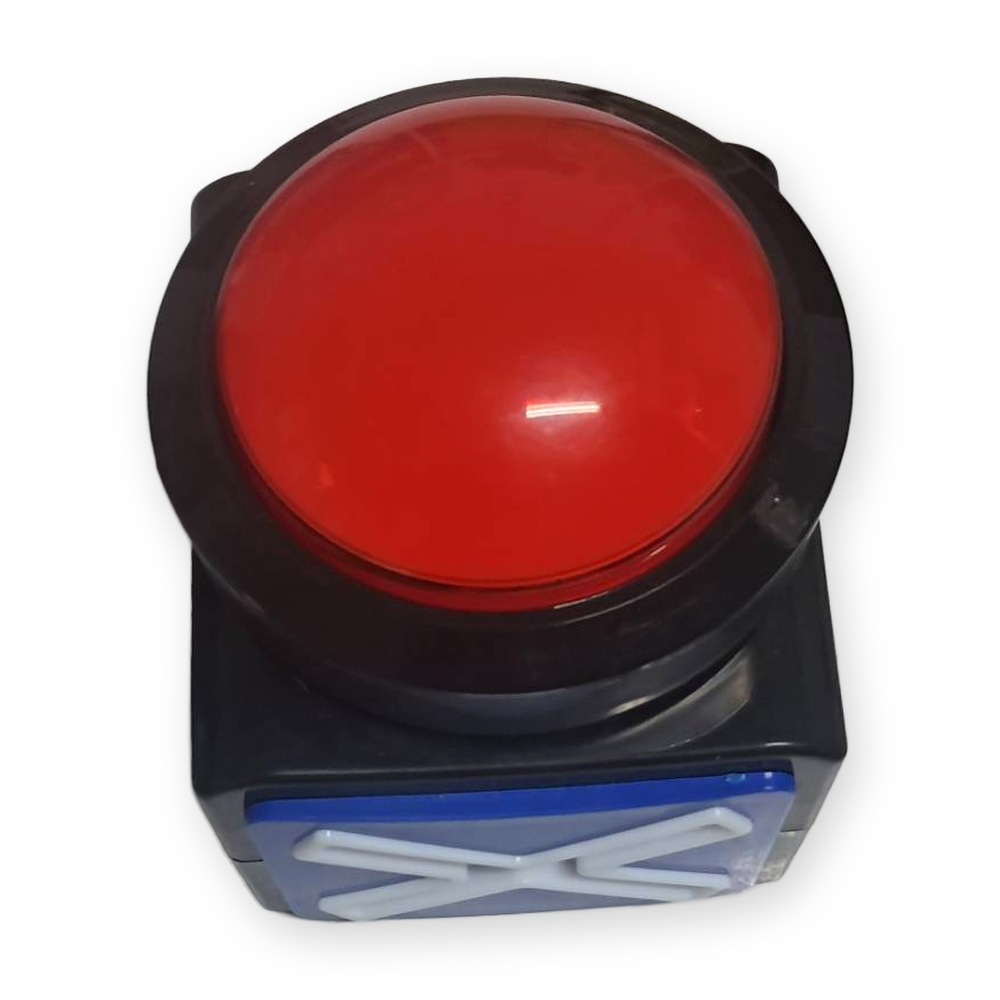
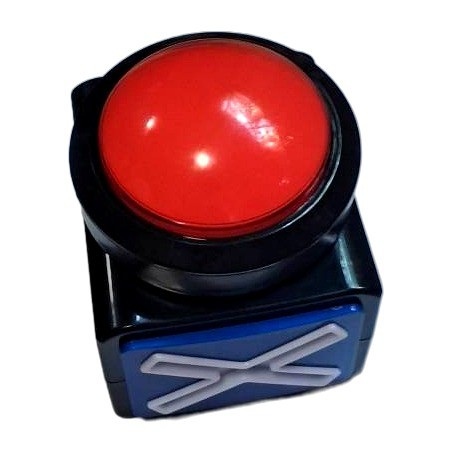
Blue
Yellow
Green
📐 Wireless Details:
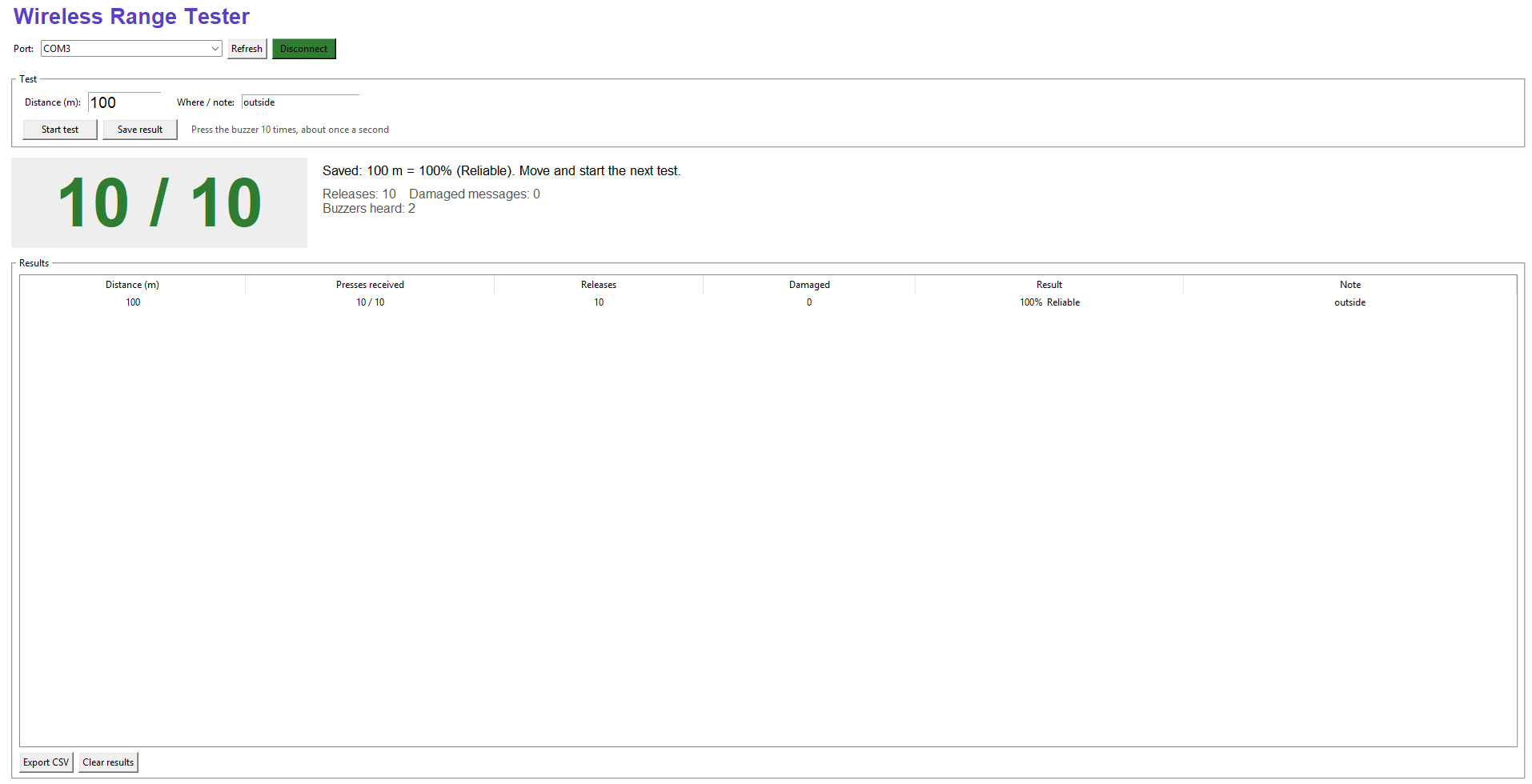
Our outdoor range test: 2 wireless buttons at 100 m (328 ft) – 10 out of 10 presses received, no damaged signals.
🚀 Quick Setup:
1️⃣ Plug In
Plug the receiver into any USB port on your Windows PC or Mac
2️⃣ Add Batteries
Put 2 x AA batteries in the button – it is already paired
3️⃣ Press
Press the button and your computer types the key you chose
💻 Works With
BuzzBoard, Lockout!, Guess Who, Trivia Rush, Quizzer, PowerPoint, Keynote or any program that uses the keyboard. Laptops and Macs with only USB-C ports need a USB-C to USB-A adapter.
🖥️ Free Programmer App
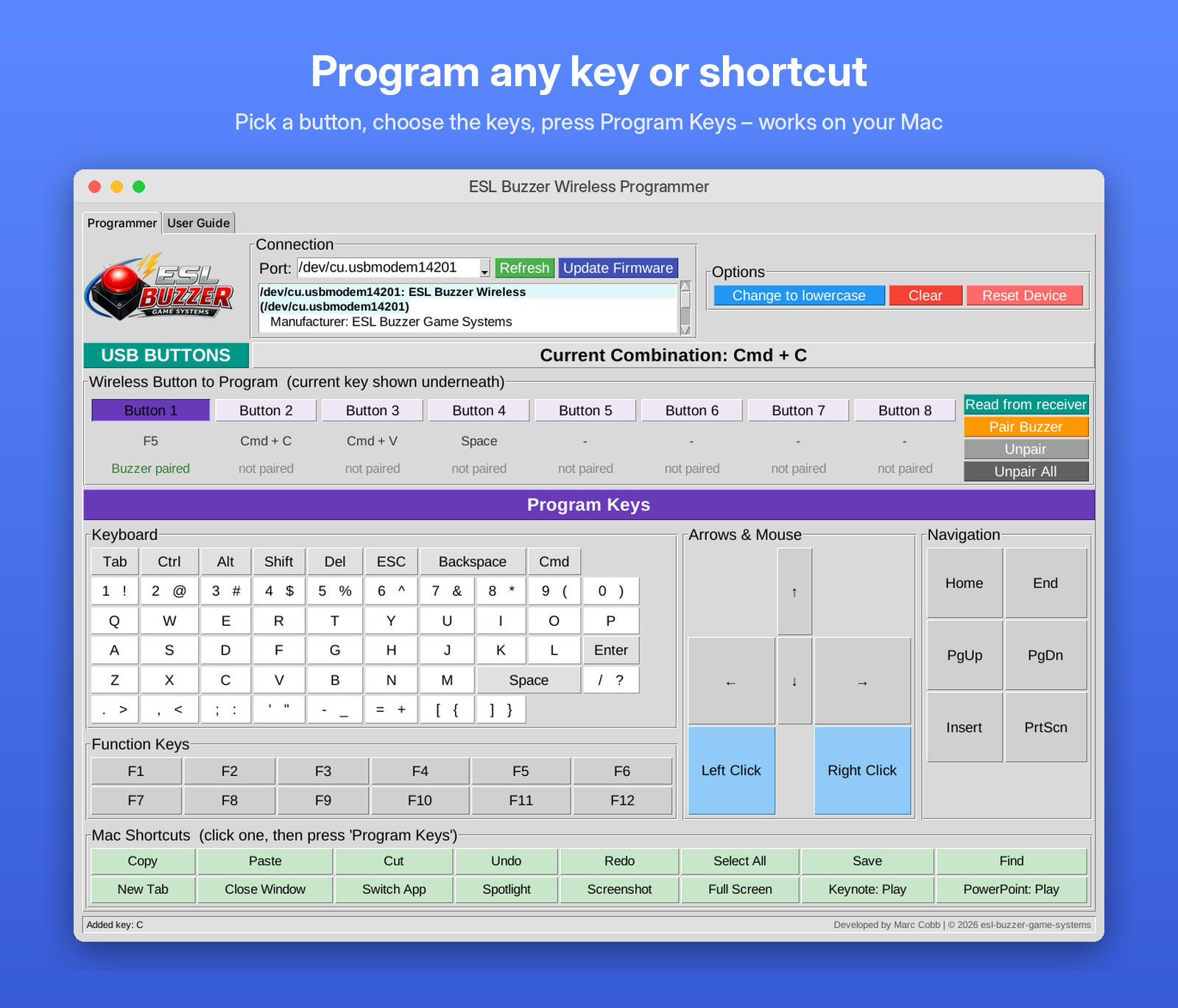
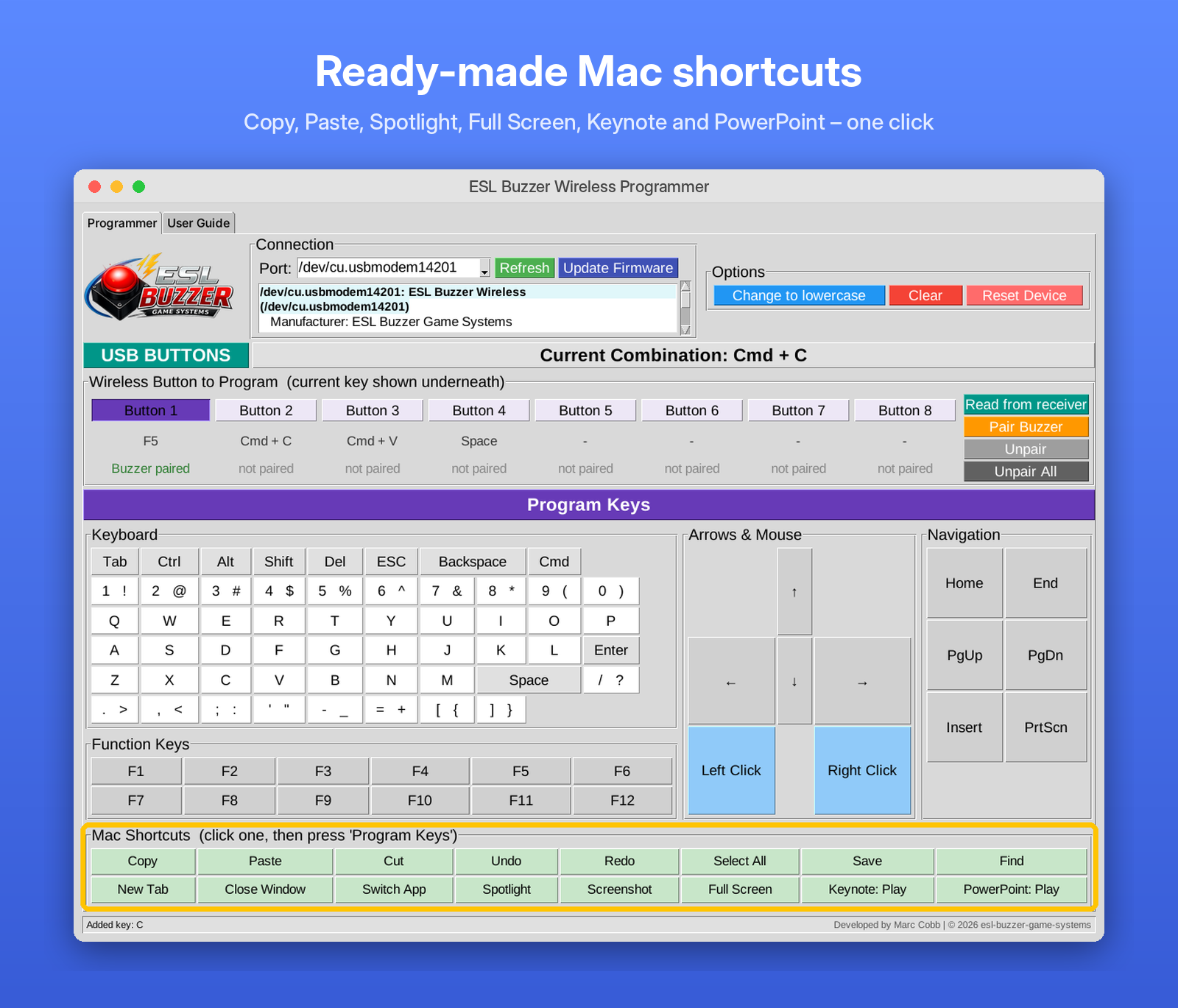
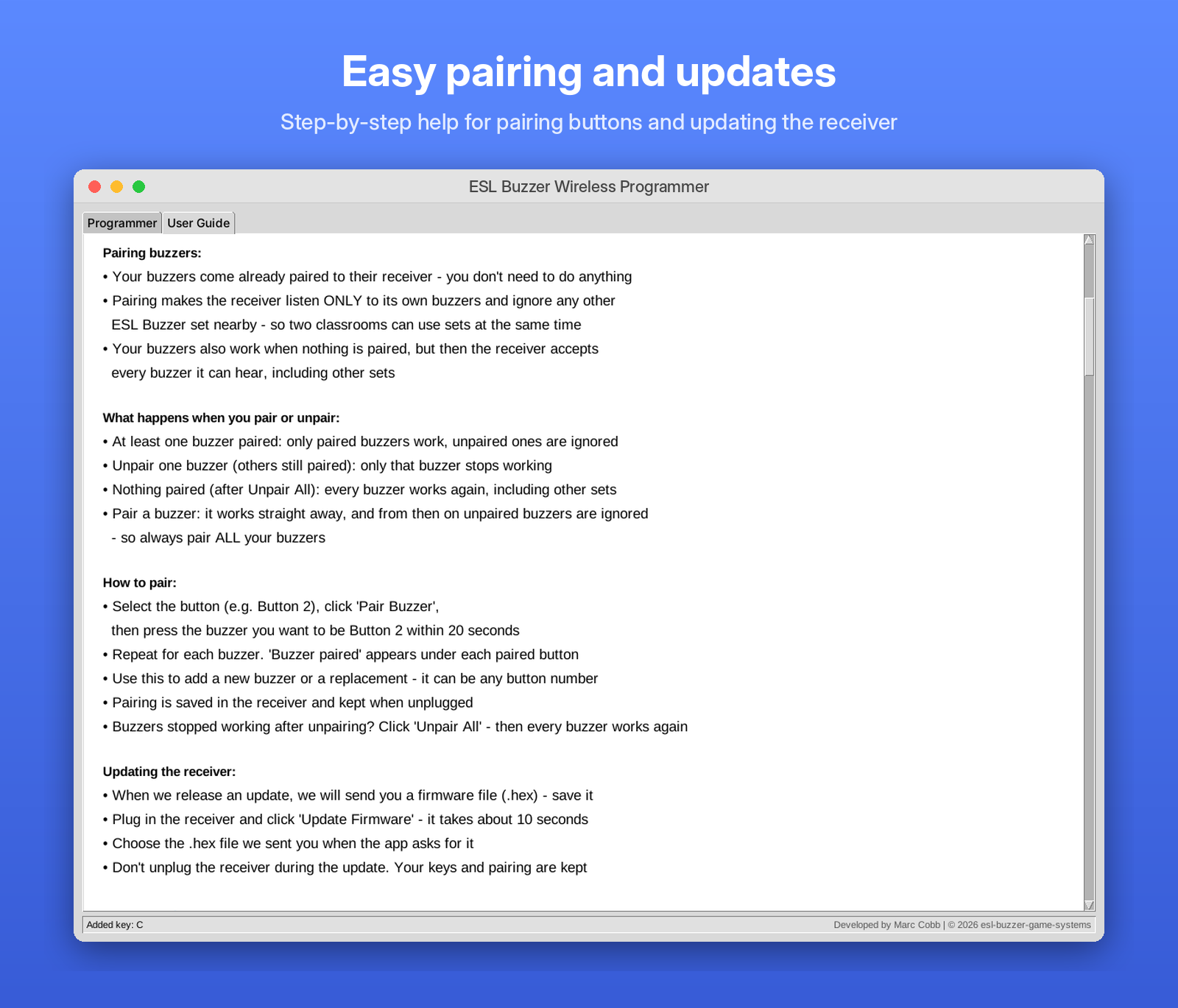
Pick a key or combination, press "Program Keys", and your button is ready. Choose function keys (F1–F12), any letter or number, shortcuts like Ctrl+C and Ctrl+V (Cmd+C and Cmd+V on a Mac), special keys such as Enter, Space and the arrow keys, and mouse Left Click and Right Click. Your setting is saved in the receiver, so it stays when you move to another computer. The app runs on Windows 10 and 11 and on Mac, and only works with wireless buttons bought from ESL Buzzer Game Systems.
Interested in Wireless Buttons?
Please contact Marc before you purchase so he can confirm availability, your colour and when your set will be ready.